
Learn about the lifecycle of requests created using Cronet and how to manage them using the callback methods provided by the library.
Lifecycle overview
The UrlRequest class represents network requests created using the Cronet
Library. The following concepts are important to understand the UrlRequest
lifecycle:
- States
- A state is the particular condition that the request is in at a specific time.
UrlRequestobjects created using the Cronet Library move through different states in their lifecycle. The request lifecycle includes an initial state, and multiple transitional and final states. UrlRequestmethods- Clients can call specific methods on
UrlRequestobjects depending on the state. The methods move the request from one state to another. Callbackmethods- By implementing methods of the
UrlRequest.Callbackclass, your app can receive updates about the progress of the request. You can implement the callback methods to call methods of theUrlRequestobject that take the lifecycle from one state to another.
The following list describes the flow of the UrlRequest lifecycle:
- The lifecycle is in the Started state after your app calls the
start()method. - The server might send a redirect response, which takes the flow to the
onRedirectReceived()method. In this method, you can take one of the following client actions:- Follow the redirect using
followRedirect(). This method takes the request back to the Started state. - Cancel the request using
cancel(). This method takes the request to theonCanceled()method where the app can perform additional operations before the request moves to the Canceled final state.
- Follow the redirect using
- After the app follows all the redirects, the server sends the response
headers and Cronet calls the
onResponseStarted()method. The request is in the Waiting for read() state. The app must call theread()method to attempt to read part of the response body. After your app callsread(), the request is in the Reading state, where there are the following possible outcomes:- The reading action succeeds, and there is more data available. Cronet
calls the
onReadCompleted()method and the request is in the Waiting for read() state again. The app can call theread()method again to continue reading the response body. The app can also stop reading the request by using thecancel()method. - The reading action succeeds, and there is no more data available. Cronet
calls the
onSucceeded()method and the request is in the Succeeded final state. - The reading action fails. Cronet calls the
onFailed()method and the final state of the request is Failed.
- The reading action succeeds, and there is more data available. Cronet
calls the
The following diagram shows the lifecycle of a UrlRequest object:
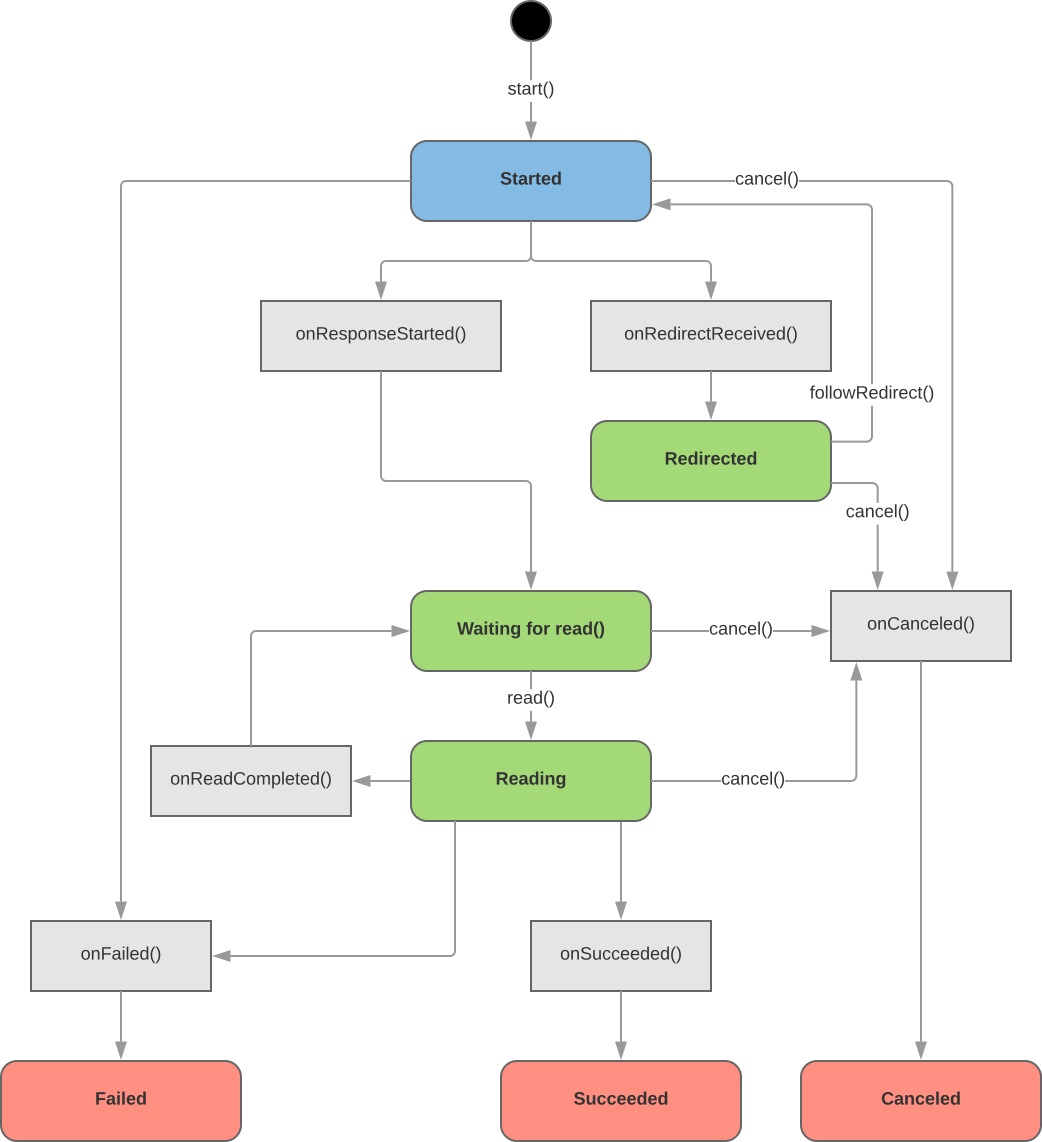
The Cronet request lifecycle
| Legend | |
|---|---|
 initial state |
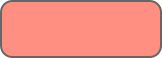 final state |
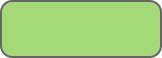 transitional state |
 callback methods |
 UrlRequest methods |